TradePesa has two trading modes designed for different levels of experience: Practice Trading and Live Trading.
Practice Trading (Demo Mode)
When you first join TradePesa, you get a virtual wallet loaded with K$Coins. You can use these to buy and sell any token on the platform without risking real money. Practice mode is perfect for learning how to read charts, understanding how order books work, and testing your trading strategies before going live.
Live Trading
Live trading uses real K$Coins that you deposit via M-Pesa. When you place a buy order for a token, you are matched against another user who has placed a matching sell order. Trades execute in real time and are reflected on the price chart immediately.
Reading the Charts
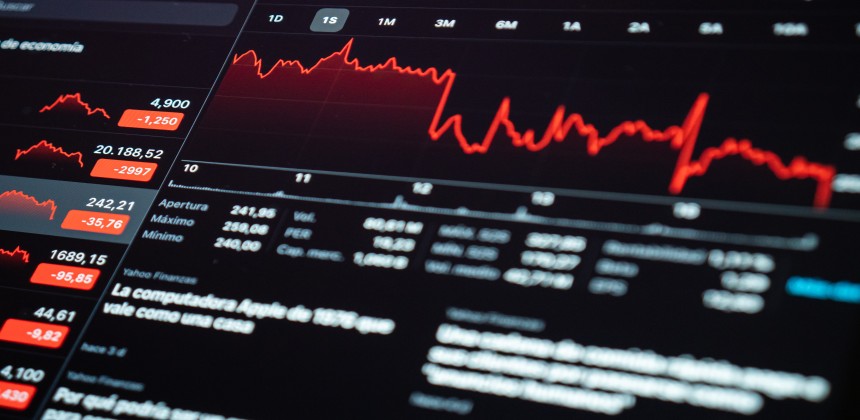
TradePesa uses professional candlestick charts with multiple timeframes (1D, 1W, 1M, 3M). Each candle shows the open, high, low, and close price for that period. Green candles mean price went up; red candles mean it went down.
Market Sentiment
Each token analysis page on TradePesa shows 24-hour market sentiment: whether buying pressure or selling pressure is stronger based on recent order flow and price movement.